AWS S3 Files in Context: Choosing the Right Shared Filesystem on AWS
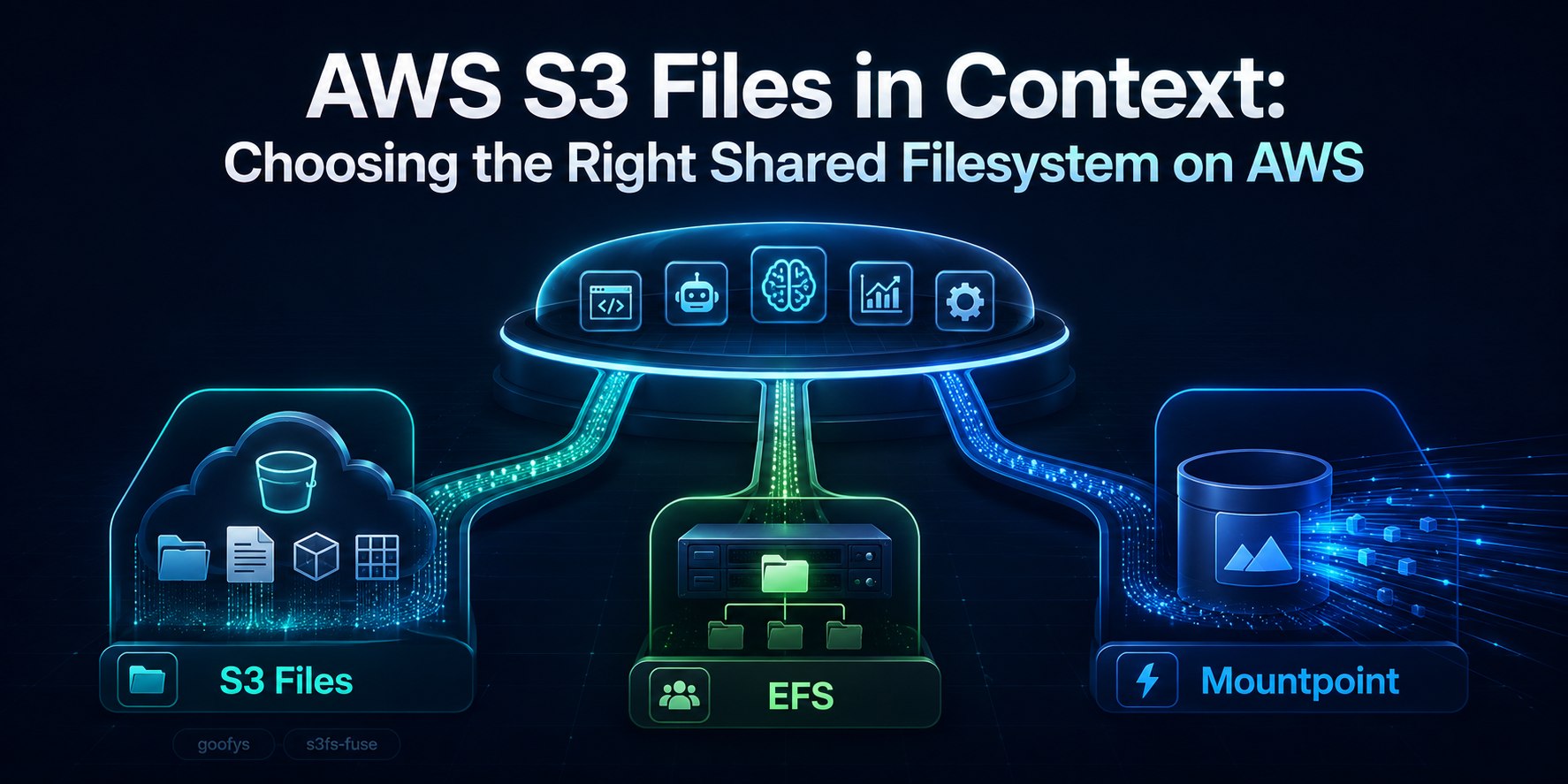
AWS just announced Amazon S3 Files, and my first reaction was simple: where does this fit among the shared filesystem options on AWS?
I think that is the right question.
At first glance, S3 Files sounds similar to tools people already know:
- Mountpoint for S3
- goofys
- s3fs-fuse
- and sometimes even Amazon EFS
But they are not solving the exact same problem.
If you’re building modern workloads on AWS, whether that means apps, data pipelines, agent workflows, ML jobs, or file-heavy automation, this is the split I would use:
- Use Amazon S3 Files when your source of truth should remain in S3, but your agent or pipeline wants normal file operations.
- Use Mountpoint for S3 when you mostly need high-throughput reads of large S3 objects.
- Use goofys or s3fs-fuse when you specifically want a client-side FUSE mount and accept tradeoffs.
- Use Amazon EFS when you need a real shared file system first, not just S3 with a file-like interface.
That is the short version.
What AWS Actually Announced
According to the AWS announcement and the S3 Files docs, Amazon S3 Files makes an S3 bucket accessible as a shared file system with file-system semantics, low-latency access for active data, and synchronization between file operations and S3 objects.
The important part is this:
your data still lives in S3, and the synchronization docs are explicit that the linked S3 bucket remains the long-term store and the source of truth in conflict scenarios.
That is what makes it different from EFS, and also different from most of the older “mount S3 like a file system” tools.
Why This Matters for Modern AWS Workloads
A lot of modern systems still work through files, even when the storage backend is object storage.
Think about what agents and ML workflows actually do:
- read prompt templates
- load datasets
- write logs and checkpoints
- share artifacts between steps
- generate images, reports, and intermediate outputs
- call Python libraries and CLI tools that expect paths, not S3 object APIs
That is why S3 Files is interesting.
AI systems are part of this story, but not the whole story.
Before this, teams usually had to do one of these:
- rewrite tooling around the S3 API
- stage data into EFS before processing
- use a client-side mount like goofys or s3fs-fuse
- build custom sync glue between S3 and some other file system
S3 Files is AWS trying to remove that mess.
The Real Comparison Is Not Just S3 Files vs EFS
This is where a lot of the discussion goes sideways.
The real comparison is:
- Amazon S3 Files
- Mountpoint for S3
- goofys
- s3fs-fuse
- and then, separately, Amazon EFS
Why separately?
Because Amazon EFS is an actual shared NFS storage product. The others are better thought of as ways to access S3 through a file interface, but they do that in very different ways.
The Cleanest Mental Model
Here is the cleanest way to think about it.
Amazon S3 Files
A managed shared file system over S3.
AWS owns the file-system layer. You get mount targets, access points, and NFS semantics, plus documented synchronization behavior.
Mountpoint for S3
A high-throughput S3 file client.
AWS says it is ideal for large-scale read-heavy applications, creating new files, and working with large S3 datasets through file operations.
goofys
A POSIX-ish FUSE mount for S3.
The project literally describes itself as “performance first and POSIX second”.
s3fs-fuse
A more filesystem-like FUSE mount for S3.
It supports a larger subset of POSIX, but it still inherits the awkward reality that S3 is not a real local filesystem.
Amazon EFS
A real shared file system.
With Amazon EFS, the file system is the product. With S3 Files, S3 stays the source of truth.
The Biggest Difference: Who Owns the Filesystem Semantics?
This is the key architectural difference.
With S3 Files, AWS owns the shared file-system abstraction over S3.
With Mountpoint, goofys, and s3fs-fuse, the client is translating file operations into S3 API calls. That makes them much closer to mount or access approaches than to a standalone shared filesystem product.
That changes things like:
- multi-client behavior
- rename semantics
- write behavior
- locking behavior
- consistency expectations
- operational support and blast radius
This is why S3 Files feels more like a platform capability, while the FUSE tools feel more like adapters.
Mountpoint for S3: Probably the Most Important Competitor
If I had to pick the most relevant comparison for most AWS builders, it would be S3 Files vs Mountpoint for S3.
According to the AWS docs, the official Mountpoint repository, and its semantics guide, Mountpoint is optimized for:
- reading large objects from S3
- high read throughput
- many clients reading at once
- sequential creation of new objects
And AWS is also pretty clear about what it is not for on general purpose buckets:
- editing existing files
- directory renames
- symlinks
- file locking
- full POSIX behavior
There are some narrower exceptions in the semantics doc, especially for S3 Express One Zone behaviors like append or rename in specific modes, but for normal general-purpose-bucket guidance, the limitations above are the ones that matter most.
That makes Mountpoint very compelling for:
- model training input data
- ETL and batch reads
- media pipelines reading large assets
- read-heavy retrieval corpora
But if your workload needs a shared writable file system abstraction over S3, S3 Files is the more interesting option.
goofys: Fast, Lightweight, and Honest About Its Tradeoffs
I actually appreciate how honest goofys is.
It calls itself a “filey system” instead of a filesystem.
Its own README says:
- performance first
- POSIX second
- no on-disk data cache by default
- sequential writes only
- no stored file mode/owner/group
- no symlink or hardlink
fsyncignored- close-to-open consistency
So if you are trying to make an agent or tool read from S3 with minimal fuss, goofys can still make sense.
But I would not confuse that with a managed shared storage layer.
s3fs-fuse: More POSIX-ish, Still Not a Real Shared File System
s3fs-fuse supports more filesystem-like behavior than goofys, including:
- random writes and appends
- symlinks
- mode and uid/gid
- local disk cache
- multipart upload
That sounds attractive until you read the limitations section.
Its own docs call out:
- no atomic renames
- no hard links
- no coordination between multiple clients mounting the same bucket
- metadata operations can be slow
- S3 cannot offer the same semantics as a local filesystem
So yes, it is more flexible than goofys in some ways, but it is still a client-side translation layer over object storage.
Where S3 Files Feels Strongest
This is the part that feels genuinely useful.
1. Agent runtimes that want file access but S3 should stay the source of truth
This became very real with the latest Amazon Bedrock AgentCore release notes.
AgentCore Runtime now supports attaching both Amazon S3 Files and Amazon EFS directly to agent runtimes, as shown in the runtime file system configuration docs.
That means you can now design an agent runtime around this split:
- S3 Files for shared datasets, prompt libraries, generated artifacts, and S3-resident knowledge
- EFS for shared mutable working state, tool caches, and more traditional filesystem behavior
That is a real design decision, not just an AWS launch-day example.
2. ML pipelines that already live on S3
If your training data, feature data, or generated artifacts already belong in S3, S3 Files can remove a lot of annoying copy steps.
Instead of:
- download to local or EFS
- process
- upload back to S3
you get:
- work on the S3-backed filesystem directly
It is not always the right answer, but it is much cleaner than what a lot of teams do today.
3. Multi-step agent pipelines
If one step writes artifacts, another step reads them, and the long-term home should still be S3, S3 Files starts to look attractive.
That said, I would still be careful with anything that depends on strong shared mutation patterns or assumptions that feel like a traditional local filesystem.
Where EFS Is Still the Better Choice
Even with the new AI angle, Amazon EFS is still the better answer when the file system itself is the product you need.
That includes:
- shared mutable workspaces
- package caches
- classic NFS-style app storage
- home directories
- tool directories shared across workers
- multi-agent systems that behave like a real shared Linux filesystem
If your first sentence is:
“I need a real shared file system”
then EFS is still probably the safer answer.
If your first sentence is:
“My data belongs in S3, but my tools want paths and files”
then S3 Files becomes much more interesting.
What About WordPress?
For WordPress, I would still choose EFS for the runtime.
Why?
- WordPress is a shared mutable filesystem workload
- plugins, themes, and uploads fit traditional filesystem behavior better
- this is much closer to classic shared app storage than AI pipeline storage
So WordPress is actually a good sanity check. It is a classic shared app-storage workload, and that makes it a good example of where S3 Files is not the main answer, even if S3 Files sounds shiny and new.
My Practical Recommendation
If you are building on AWS today, this is the table I would use.
| Option | Best when | Not ideal when |
|---|---|---|
| Mountpoint for S3 | Your workload is mostly read-heavy, your files are large objects, and you want high-throughput access to S3 through a file interface. | You need rich shared filesystem behavior, broad POSIX semantics, or collaborative writable workflows. |
| Amazon S3 Files | Your source of truth should remain in S3, but your agent or pipeline wants normal file operations and a managed shared filesystem abstraction instead of a client-side mount hack. | You need the filesystem itself to behave like the primary mutable shared storage layer. |
| goofys | You want a lightweight client-side mount and performance matters more than POSIX completeness. | You need fuller filesystem semantics or want fewer behavioral surprises. |
| s3fs-fuse | You specifically want a FUSE mount with more POSIX-like behavior than goofys and you are solving a compatibility problem. | You want a clean shared storage design with strong multi-client semantics. |
| Amazon EFS | You need a real shared filesystem first, your tools expect stronger filesystem behavior, or the workload is shared mutable app/runtime storage. | Your data should primarily live in S3 and you mostly want files as an interface over object storage. |
My Rule of Thumb
If I had to compress this into one short rule:
Use S3 Files when S3 is the truth and files are the interface. Use EFS when the file system itself is the truth. Use Mountpoint when you mostly want fast reads from S3.
That is the split I would use in practice.
Final Take
I do not think Amazon S3 Files kills EFS.
I also do not think it kills Mountpoint, goofys, or s3fs-fuse.
What it does kill is a very specific kind of ugly glue:
- copy S3 data into another filesystem
- run file-based tools on it
- sync it back
- hope your semantics still make sense
For modern AWS builders, that is a real improvement.
The better question now is no longer:
“Can I mount S3 like files?”
We already had several answers to that.
The better question is:
“Do I want a client-side mount, a managed shared file system over S3, or a real standalone shared file system?”
Once you answer that, the choice gets a lot clearer.